
Appleton Arrest Records Search
Appleton arrest records often start with the city police department, but they can quickly lead into Outagamie County court files once a case is filed. That means one search may involve city, county, and state tools in sequence. Appleton is one of the better-covered city pages in this project because the research includes a direct records request page, police contact details, and county office contacts in the same downtown area. If you need Appleton arrest records, the first step is deciding whether you want a city police report, a county-held record, or the filed court case that followed the arrest.
Appleton Arrest Records Overview
Appleton Arrest Records Access
Appleton arrest records on the city side begin with the Appleton Police Department at 222 South Walnut Street, Appleton, WI 54911. The city research lists the phone number as (920) 832-5500 and points to a dedicated records request page. That makes the police department the first stop when the arrest happened inside Appleton city limits and the search is focused on a police-held report or request form. Appleton gives more direct online request structure than many city pages in this build.
The county side is close by. The research lists the Outagamie County Sheriff's Office and the Outagamie County Clerk of Courts at 320 South Walnut Street, Appleton, WI 54911. That proximity helps searchers because city and county record holders are in the same downtown area even though they handle different types of Appleton arrest records. City police reports stay with Appleton Police. Circuit court filings and county-held records move to the Outagamie County side.
Find Appleton Arrest Records
The most direct local tool in the research is the official Appleton Police records request page. The research says requests can be submitted online, in person, by mail, and in limited cases by telephone. That matters because Appleton arrest records do not always start with the same facts. Some searchers know the case number. Others only know a date, address, or report type. Appleton's request system is built to capture those details in a structured way.
The research also lists the fields the city expects in a request: names of involved parties, the date or approximate date of the incident, the case number if known, the location, the type of incident, and the officer name if known. Those details are practical guidance for Appleton arrest records because they show what the city uses to locate the right file. A focused request can save time, reduce locating costs, and avoid sending the searcher to the wrong office.
Once a case is filed in circuit court, the search should move to WCCA and Outagamie County court records. That is the point where a police report turns into a public court trail with docket entries, case numbers, and hearing information.
Appleton Arrest Records Requests
The city research gives more fee detail for Appleton than for most cities in this project. Accident reports are listed at $1.00 per report. Incident reports are listed at $0.25 per page. Mailing fees are $2.00 plus the report cost. Electronic media costs $1.50 per disk. The research also says prepayment is required if the request exceeds $5 and locating fees can apply if search costs exceed $50. Those figures fit Wisconsin public records practice under Wis. Stat. § 19.35.
The city also gives realistic timing. Standard requests usually take five to ten business days, while audio or video requests can take longer because redaction review is required. That distinction matters for Appleton arrest records because a simple paper report can often be processed much faster than media evidence. Searchers who only need the core report should say so. Broader requests for every available format will usually take more time and may cost more.
The project research says Appleton processes more than 10,000 records requests each year. That helps explain why precise requests matter so much. Note: In a high-volume records office like Appleton's, a request that includes the case number, incident date, and location is far more likely to move well than a request that only names a person.
Appleton Arrest Records In Outagamie Court
The Outagamie County Clerk of Courts is listed at 320 South Walnut Street, Appleton, with phone number (920) 832-5131. That office becomes central once an Appleton arrest leads to filed criminal charges. The county court side is where searchers can move from a police report to the complaint, hearing calendar, orders, and later judgment. That shift from city report to county case file is one of the main reasons Appleton arrest records should not be treated as one single record source.
WCCA remains the best public online starting point after filing. It can show when the case was opened, what the charge labels are, and when the next hearing is set. The Outagamie County Sheriff's Office, also at 320 South Walnut Street, can matter when the search involves a county-held incident rather than a city police event. That means Appleton searchers should sort the record by agency first, then by stage of the case.
Once those roles are clear, the city becomes easier to search. Appleton Police handles the city report. Outagamie County holds the court case. State tools only come into play after the local record path has moved beyond the city or county level.
Appleton Arrest Records Sources
The first city image comes from the official City of Appleton website, which is the main municipal source for public safety contacts and records navigation tied to Appleton arrest records.
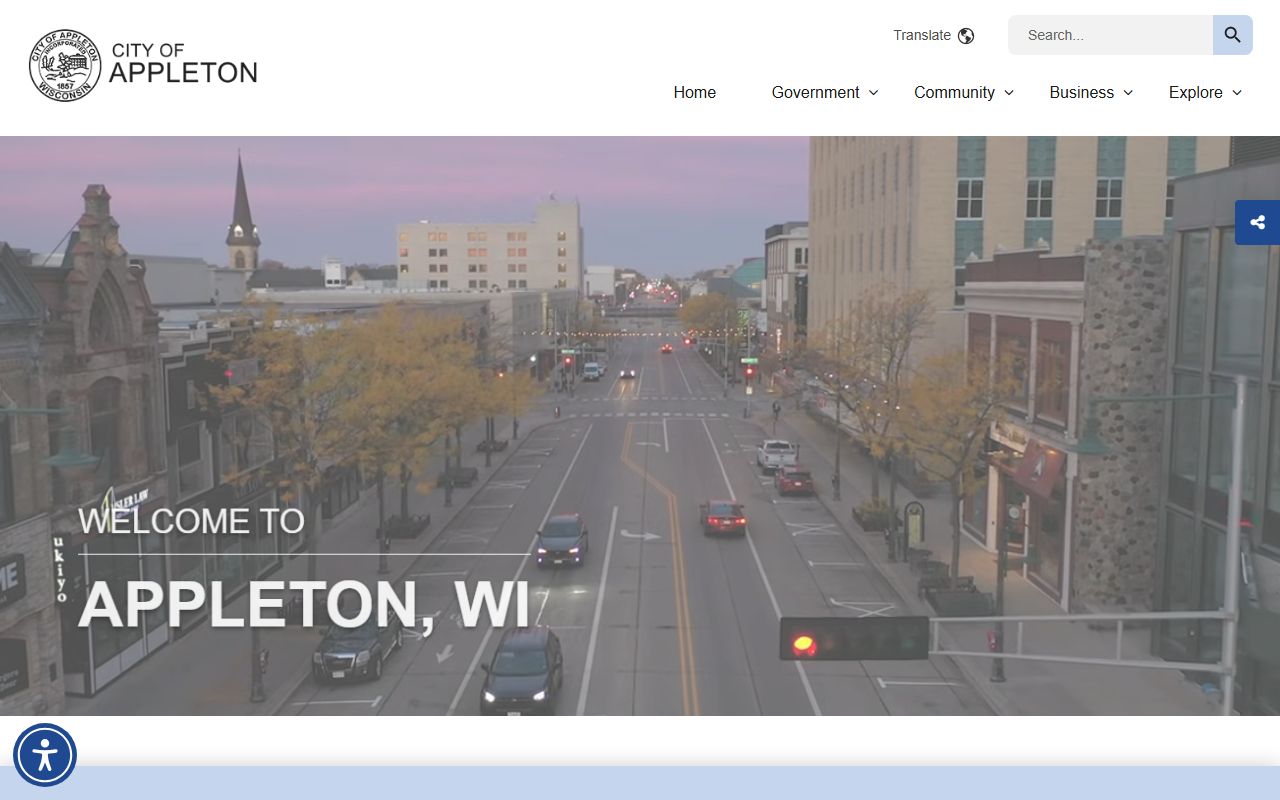
That city source helps users move from the general city site into the police and records pages without relying on weak third-party links.
The second city image comes from the official Appleton Police records request page, which is the most direct Appleton source in the project research.
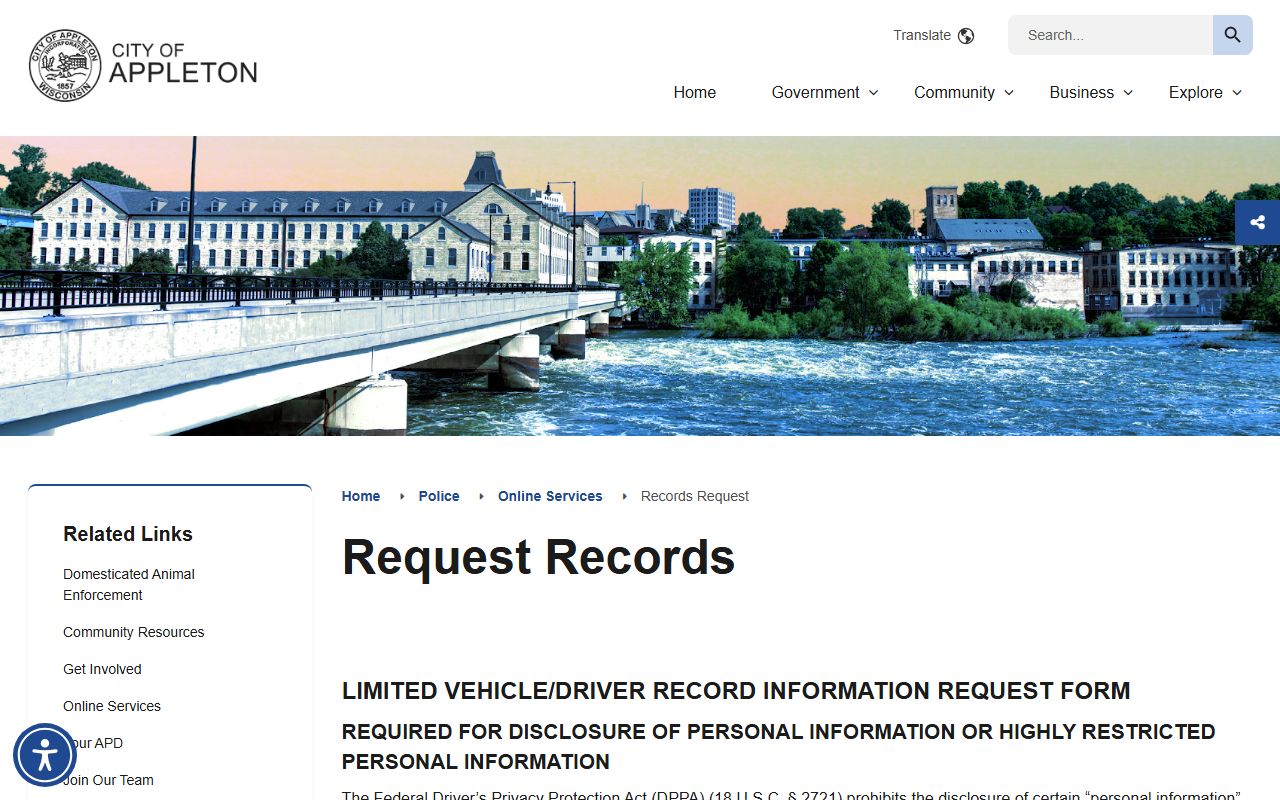
That page supports online submission, detailed request fields, and local fee guidance for Appleton report copies.
Appleton Arrest Records And State Tools
Appleton city and county sources handle most local searches, but state tools still matter. WCCA is the public case portal once the arrest becomes a filed criminal case. WI VINE and the DOC Offender Locator can help with custody tracking and later state incarceration. Each system answers a different question, so using them in order keeps Appleton arrest records clear.
That sequence is straightforward. Start with Appleton Police for city reports. Move to Outagamie County once the matter enters the county criminal system. Use state tools only when the record path extends beyond local custody or local court filings. The project research supports each of those steps with official sources rather than third-party pages.